
Publish Your App
Generate and download your Android (APK/AAB) or iOS (IPA) app file.
Publishing creates the installable file for your app. Android builds produce APK (for testing) or AAB (for Play Store). iOS builds produce IPA files that are automatically uploaded to App Store Connect for TestFlight or review. Each build takes about 5-15 minutes.
Before You Publish
Go to Services → App Download in your app dashboard.
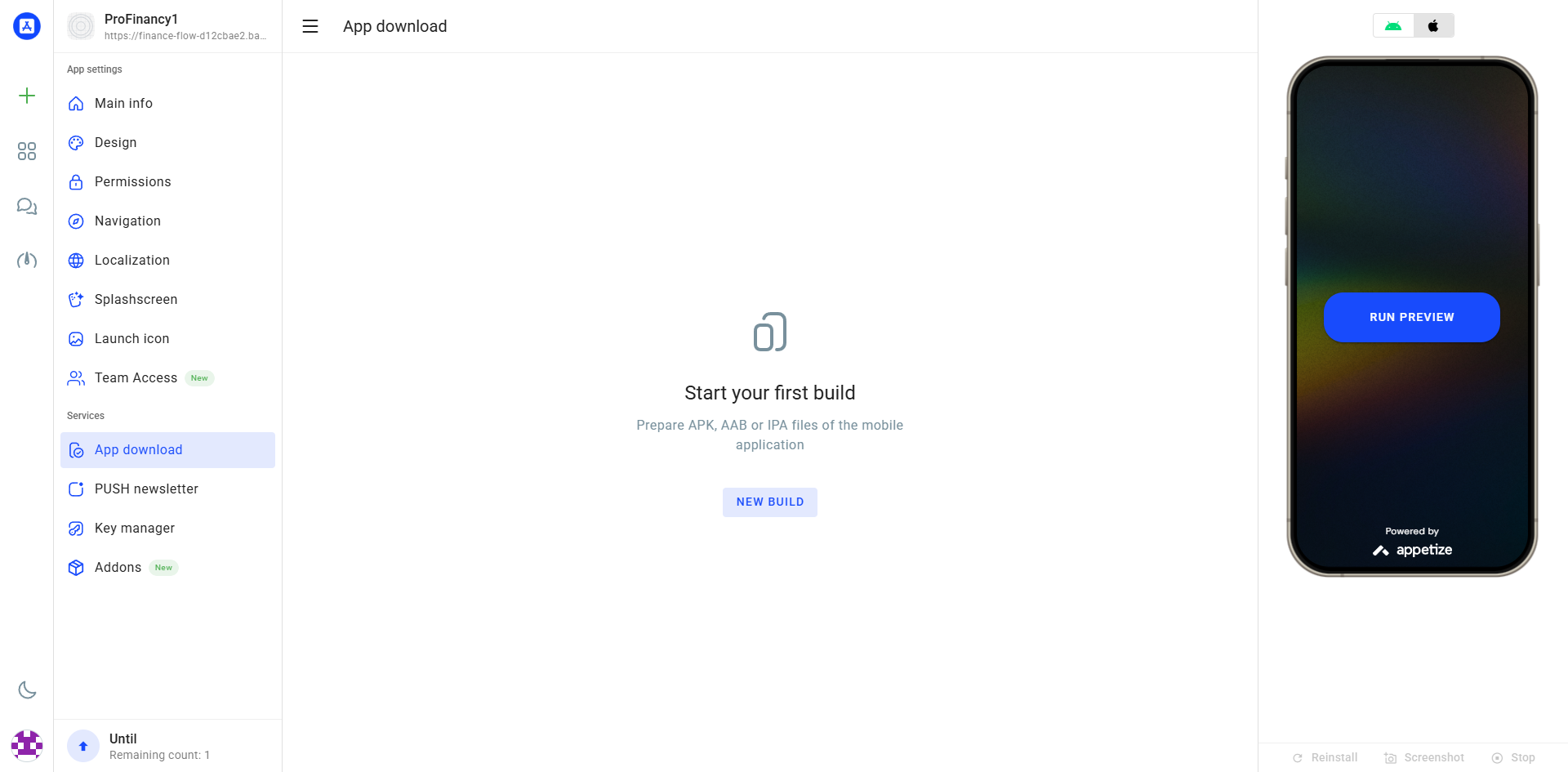
Publishing Process
Select Platform
Choose Android or iOS
Select Key
Choose your signing key from the list
Click GENERATE APP
Blue button to start the process
Wait & Download
Publishing takes 5–15 minutes
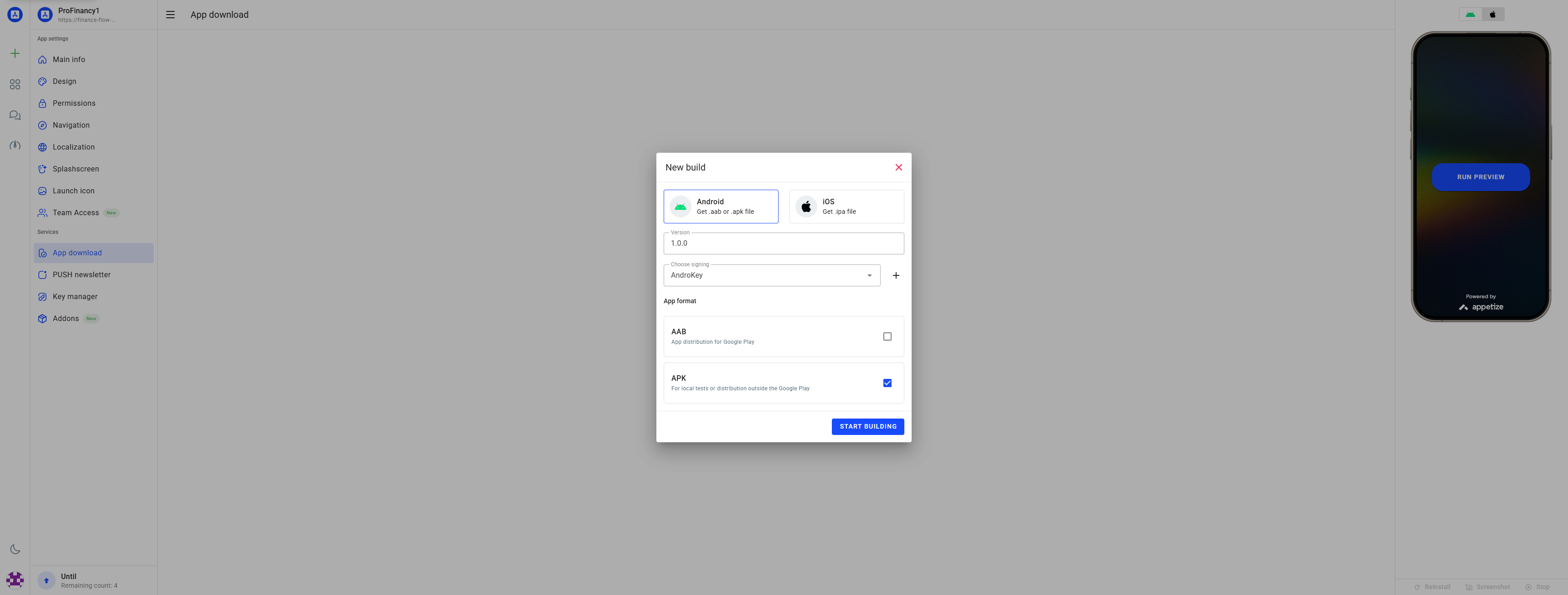
Output File Types
Each platform has different file formats for different purposes. Choose the right file type based on whether you're testing or ready to publish.
🤖 APK (Android)
For testing on Android devices. Can be installed directly.
🤖 AAB (Android)
For Google Play Store. Required for publishing.
🍎 IPA Only (iOS)
Download IPA file. Requires a Mac to upload manually to App Store Connect.
🍎 Publish to App Store (iOS)
Uploads directly to App Store Connect. No Mac needed! Requires app record first.
Version Numbers & Signing Keys
Version numbers tell users and app stores which version of your app they have. When you update your app, you must increase the version number or the stores will reject the upload. You also need to select the correct signing key for each publish.
📊 Version Format
Use format: 1.0.0 → 1.0.1 → 1.0.2
First number: major changes. Second: features. Third: bug fixes.
🔢 Version Number
Auto-increments with each publish (internal tracking)
🔑 Signing Key
Must select the correct key for each platform before publishing
Android: Keystore file. iOS: API Key (P8).
✅ Validation
System checks version format and key validity before publishing
Download Your App
After publishing completes:
📥 Android
Click the download button to get your APK or AAB file.
📱 iOS (with Publish)
Automatically uploaded to App Store Connect. No Mac needed! Check TestFlight.
📱 iOS (IPA Only)
Download IPA file. Requires Mac with Xcode/Transporter to upload manually.