
App Creator: How to Easily Turn Your Website Into a Mobile App
Launching a mobile app is a powerful way to grow your audience, boost engagement, and stay competitive. But do you really need to hire a developer or start from scratch? Thanks to modern app creators, almost anyone can build a professional app quickly?especially if you already have a website.
In this guide, we?ll break down what an app creator is, how it works, the difference between building from scratch and converting an existing website, and what you need to know to choose the right tool for your project.
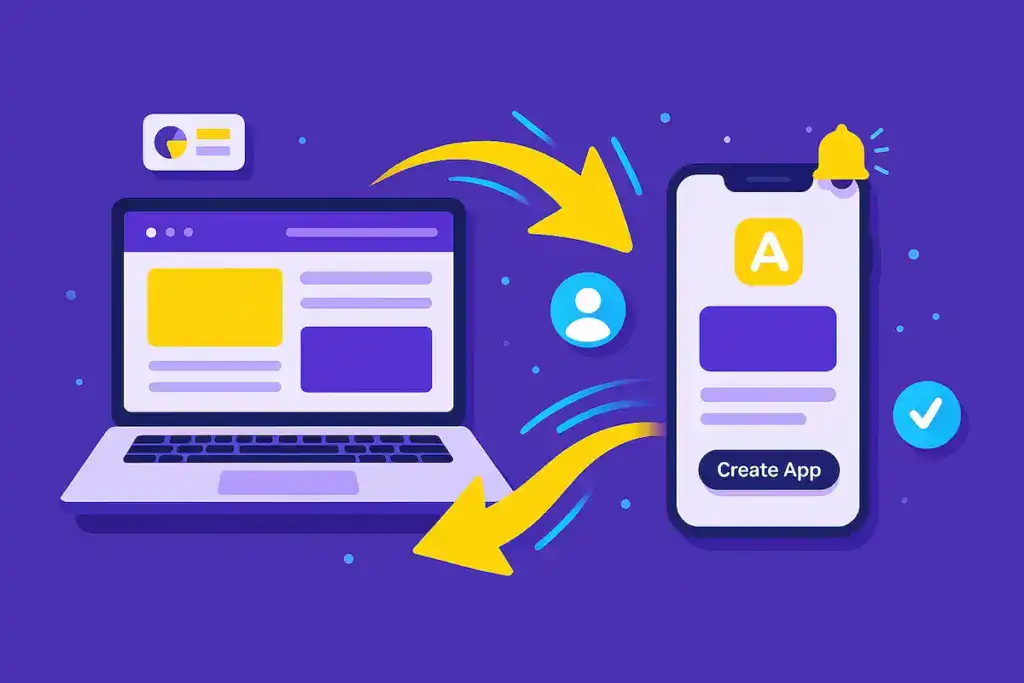
No-code app creator for Android and iOS
What Is an App Creator?
An app creator is an online platform or tool that allows users to create and publish mobile apps without the need for coding. These platforms usually offer drag-and-drop interfaces, pre-built templates, and a range of customization options?making app development accessible for business owners, bloggers, creators, and anyone else with a vision.
There are two main types of app creators:
- From-Scratch App: Creators: Build a new app idea with full control over design, features, and functionality.
- Website-to-App Creators: Convert an existing website into a mobile app, keeping your design, content, and updates in sync.
Why Convert a Website Into an App?
If you already have a website, using a website-to-app creator is often the smartest move. Here?s why:
- Speed: Launch your app in days instead of months.
- Simplicity: No coding or rebuilding from scratch.
- Consistency: Your app will look and feel like your existing site.
- Real-Time Updates: Website changes appear instantly in your app.
- Push Notifications: Keep users engaged with instant alerts.
Cost-Effectiveness: Save thousands compared to traditional app development.
Key Features to Look For in an App Creator
Not all app creators are equal. Whether you want to build from scratch or convert your site, look for these essentials:
- Easy onboarding: Simple signup and setup process.
- Customization: Branding, icons, colors, and layouts to match your brand.
- Multi-platform support: Android and iOS builds.
- Push notification integration: To engage users instantly.
- Real-time syncing: Changes to your website show up in the app.
- App store publishing assistance: Help with submitting your app to Google Play and the App Store.
- Analytics: Understand how users interact with your app.
How Does the Process Work? (Step-by-Step)
Sign Up and Connect Your Website:
Enter your website URL on the app creator platform.
Customize Your App:
Adjust the look and feel?choose colors, icons, and menus.
Preview and Test:
Use built-in previews or download a test app to your device.
Enable Features:
Set up push notifications, offline mode, or other integrations.
Publish:
Export app files and follow platform instructions to submit to app stores.
Website-to-App vs. From-Scratch App Creators
| Feature | From-Scratch App Creator | Feature Website-to-App Creator |
| Best For | Existing websites | New ideas or unique features |
| Coding Required | None | Sometimes required |
| Speed | Fast (days) | Slower (weeks/months) |
| Sync with Website | Automatic | Manual or not available |
| Cost | Low | Medium to High |
When Should You Use a Website-to-App Creator?
- You have a working website you?re happy with
- You want to save time and money
- You want your app always up to date
- You need to engage users with push notifications
- You don?t want to learn to code or hire a developer
AppMyWeb: An Example of a Website-to-App Creator
Platforms like AppMyWeb are built for website owners who want to reach mobile users without reinventing the wheel.
AppMyWeb lets you convert your website into a mobile app for Android and iOS, keeps your app updated in real time, and provides built-in support for push notifications and app store publishing.
Want a detailed walkthrough? Read our step-by-step guide here. You can also learn how to convert Bubble apps, turn Base44 into mobile, or transform Lovable web apps into native mobile applications. Looking for alternatives? Check our AppMyWeb vs AppMySite comparison to find the best platform for your needs.
Ready to Launch Your Mobile App?
Turn your website into a professional mobile app in minutes. No coding required.
Get Started Free