
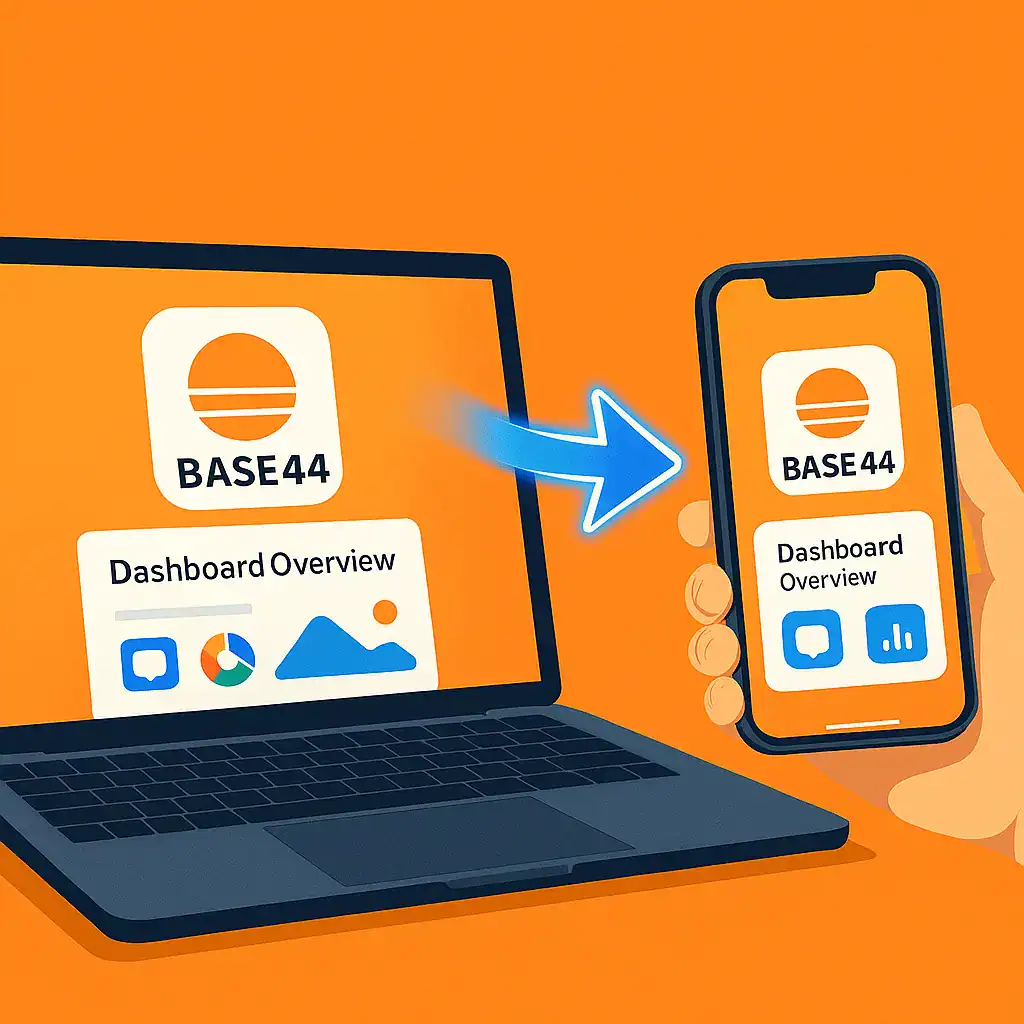
How to Turn Your Base44 into a Mobile App for Android & iOS
Base44 allows you to quickly and easily develop web apps and websites. But if you want to bring your product to Google Play and the App Store, and give your users a truly native mobile experience, turning it into a full mobile app is the way to go.
With AppMyWeb, you can do this easily – without coding – in just a few simple steps. This works similarly to how you can convert Bubble apps to mobile or turn Lovable web apps into native apps.
Base44 to mobile app conversion with AppMyWeb
Why Turn Your Base44 into a Mobile App?
- More Exposure – App store presence increases brand trust and visibility.
- Improved User Experience – Faster load times and smoother navigation.
- Push Notifications – Stay directly connected with your users.
- Access to Native Features – Camera, geolocation, file uploads, and more (optional).
Step-by-Step: Convert Base44 to Mobile App
Step 1 – Create a New Project
- Go to AppMyWeb.net and create a new project.
- Enter your app name – this is the name that will appear on users’ devices.
- Enter your website URL – the URL of your Base44 system.
- Choose template colors to match your branding.
- Select a design template from the ready-made options in the system.
Step 2 – Required Details Before Building
To generate your app, you must set:
-
App Icon – 1024ª1024 px, with no transparent background (required for app store approval).
-
Signing Key – required to create the Android and iOS files.
Step 3 – Optional Features
You can also customize:
- Menu design – change placement, colors, and navigation style.
- Splash screen – display your logo or design during app load.
- Offline screen – a custom page shown when there’s no internet connection.
- Push notifications – send real-time messages to your users.
- Deep links – open specific screens from external links.
Step 4 – Live Preview
- After every change, click “Save” to update the preview.
- You’ll see in real time exactly how your app will look to users.
Step 5 – Build Your App
- Generate an APK/AAB file for Android or an IPA file for iOS.
- Upload your files to the app stores and start distributing your product.
Why AppMyWeb is Perfect for Base44 Apps
- Fast and simple – no coding needed.
- Full control over design and branding.
- Professional output that meets Google Play and App Store requirements.
?? Want to see exactly how to use the system step-by-step?
Check out our full tutorial here: How does the AppMyWeb mobile apps builder work?
Ready to see your Base44 system as a mobile app?
Go to AppMyWeb.net and start your conversion – for free.
For more tips on mobile app optimization, check out our optimization guide. You can also learn about SEO benefits of mobile apps and why having a mobile presence matters for your business.
Frequently Asked Questions
Transforming your Base44 project into a mobile app helps your brand reach more users, stand out in the app stores, and deliver a faster, smoother experience on every device.
You’ll also unlock native features like push notifications, offline mode, and quick access from users’ home screens — turning your Base44 site into a true mobile experience.
Before publishing your app, make sure you have the following:
A 1024ª1024 px app icon (PNG, no transparent background).
A Signing Key — required to sign and generate your Android or iOS files.
These elements ensure your app is verified and accepted by Google Play and the App Store.
There are two types of keys, depending on the platform you’re building for:
Android:
You can generate your Android key automatically inside AppMyWeb.
Go to Key Manager ? Create Key ? Create Android Key,
enter a name, click Save, and the system will create and store your Signing Key for you — no developer account required.
iOS:
For iOS, you’ll need an Apple Developer Account.
Log in to App Store Connect
and go to Certificates, Identifiers & Profiles.
Click the “+” icon to create a new App ID, using the exact same App Name and App ID as in your AppMyWeb project.
The App ID in AppMyWeb must match the Bundle ID in your Apple Developer account.
Then create a new App in your Apple Developer account under My Apps with the same name and Bundle ID.
This step connects AppMyWeb to App Store Connect automatically.
Finally, go to App Store Connect ? Keys, create an API key, download the .p8 file, and copy your Issuer ID and Key ID.
Return to AppMyWeb ? Key Manager ? Create Key ? Create iOS Key, and upload these details.
Once done, your Apple Developer account is fully connected and ready for iOS builds.
You can complete the entire process in about 10–15 minutes.
After setting up your project, uploading your icon, and connecting your keys, you can preview your app instantly — then publish it on Google Play or the App Store.
Ready to Launch Your Mobile App?
Turn your website into a professional mobile app in minutes. No coding required.
Get Started Free