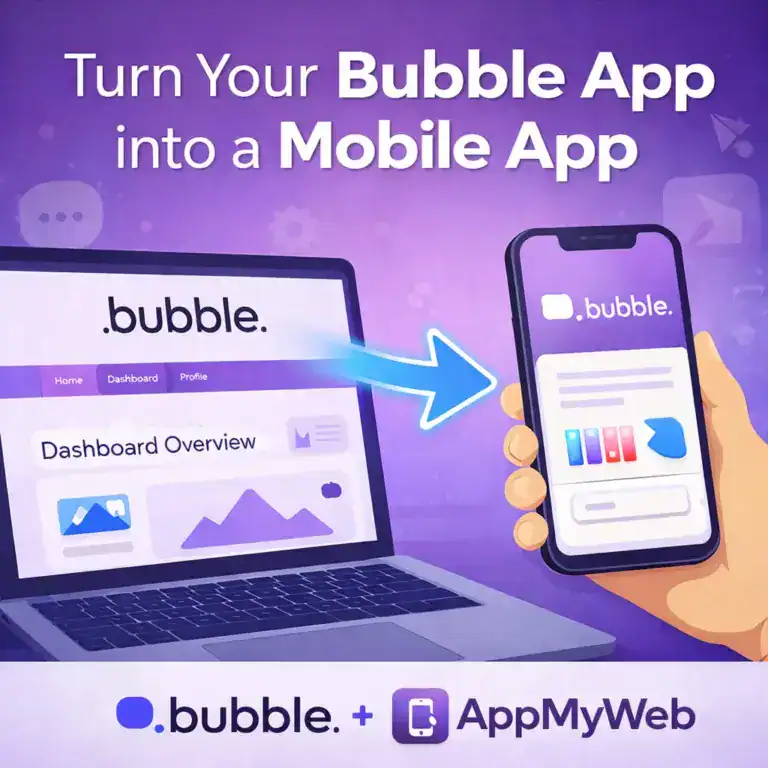
Bubble is one of the most powerful nocode platforms for building modern web applications.You can design, launch and scale fully functional apps without writing a single line of code.
However when it comes to publishing a real mobile app on Google Play or the App Store Bubble does not provide a native solution.
With AppMyWeb you can instantly convert your Bubble project into a fully functional mobile app for Android and iOS without writing any code or changing your existing setup.
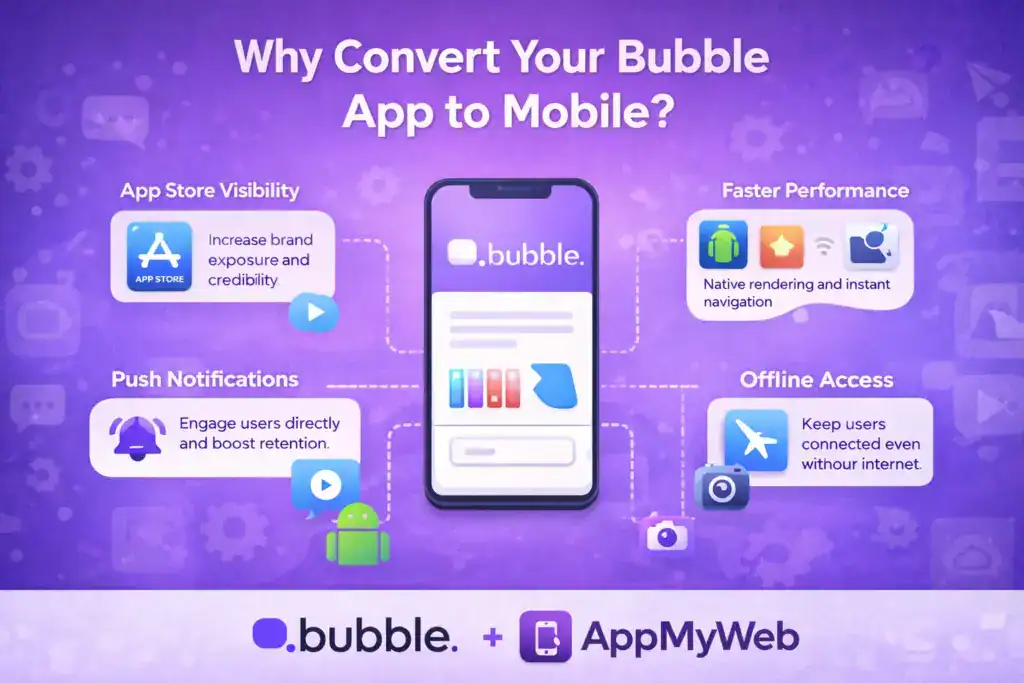
Why Convert Your Bubble App to Mobile
Turning your Bubble app into a native mobile app gives you much more than a shortcut on the home screen.
App Store Visibility
Increase your brand exposure and credibility by being present on Google Play and the App Store.
Better Performance
Enjoy smoother navigation and faster loading thanks to native performance.
Push Notifications
Send real time updates and engage your users directly on their devices.
Offline Access
Allow users to access important content even without an internet connection.
Native Device Features
Use camera access file uploads GPS and other mobile capabilities with ease.
Your app stays exactly as you built it only faster more accessible and more powerful.
Step by Step How to Convert Your Bubble App to Mobile
Step 1 Create a New Project in AppMyWeb
Go to AppMyWeb.net and click Create New App. Enter your app name and your Bubble app URL.
Step 2 Customize Your Design
Adjust colors choose a layout and match your brand identity.You can also upload your logo set a splash screen and define an offline page.
Step 3 Add Your App Icon and Signing Key
To generate your mobile app you will need
An app icon sized 1024 by 1024 pixels with no transparency.
A signing key used to generate and sign your builds.
For Android create a key directly inside AppMyWeb under the Key Manager.
For iOS create an App ID in your Apple Developer account generate a p8 key and upload it to AppMyWeb.
Step 4 Preview and Build
Save your changes to preview the app in real time.
When everything looks good click Build App to generate your Android or iOS file.
You can then upload it directly to Google Play or App Store Connect.
Step 5 Publish and Grow
Once your app is live you can send push notifications manage updates directly from your AppMyWeb dashboard.
Why AppMyWeb Is the Best Choice for Bubble Apps
Works seamlessly with Bubble dynamic pages No code and no complex configuration
Fully compatible with Google Play and App Store requirements
Professional native app experience for your users
Start for free and turn your Bubble app into a real mobile experience in minutes.
Visit AppMyWeb.net to get started.